




Lights, camera — AI? The difference between your standard AI video and one that makes an impact requires thinking like a maker of movie magic.
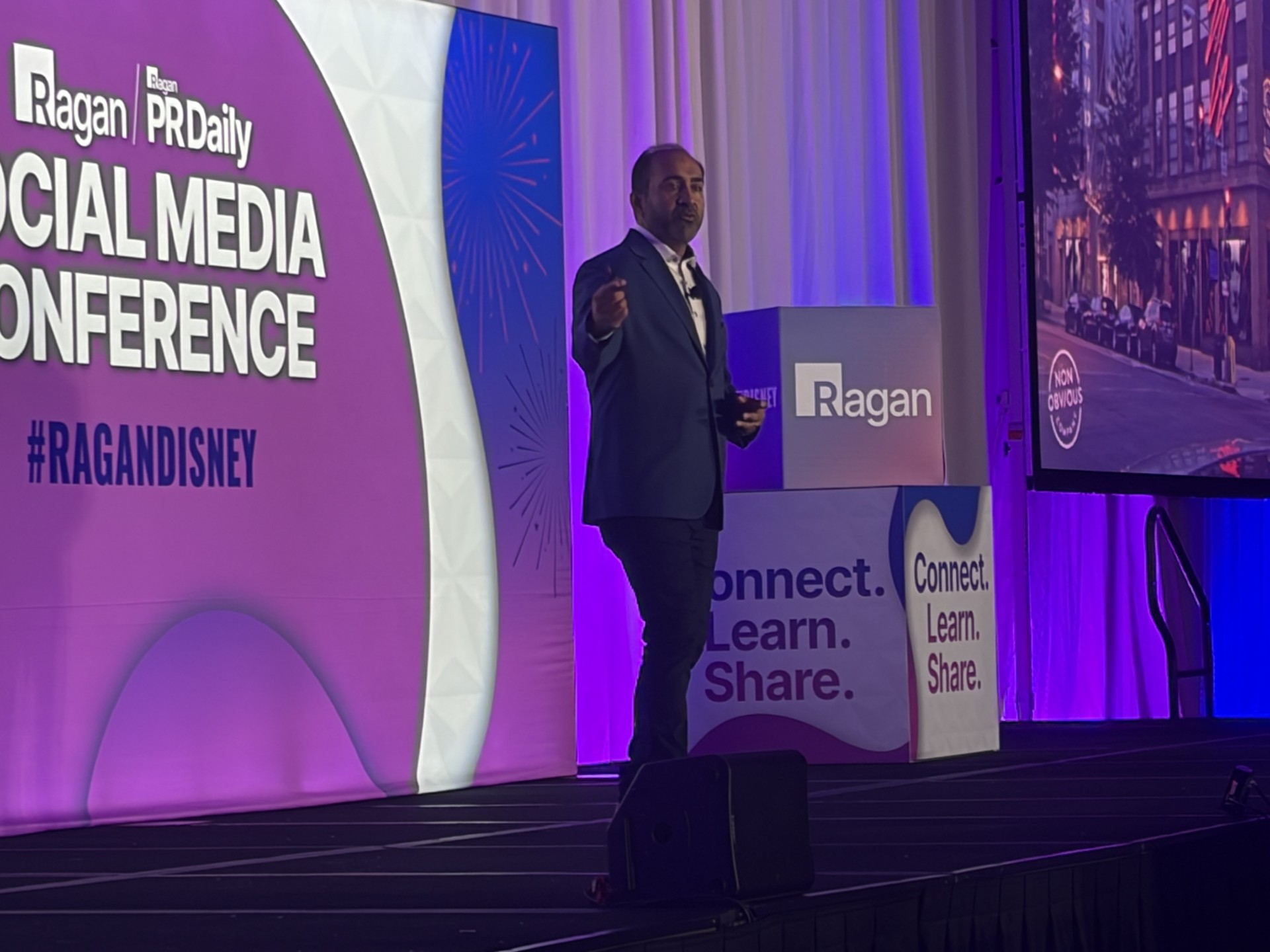
During the pre-conference workshops at Ragan’s AI Horizons Conference in Fort Lauderdale yesterday, Stephanie Nivinskus, CEO of SizzleForce Marketing, told the audience that comms pros need to put themselves in a film director’s shoes to ensure they’re prompting AI video platforms to give them their desired outputs.
“Most people are asking AI video tools to ‘make it look good,’ and that’s the problem,” Nivinskus said. “These systems respond best when you stop being vague and start being specific — like a director on set.”
She said the gap between technical quality and credibility with the audience usually comes down to how communicators prompt their AI video tools.
“When people prompt today, they may say, ‘Create a professional video of our CEO,’” Nivinskus said. “‘Make it look engaging. Generate something high quality.’ That is like telling a cinematographer, ‘Make it look good.’ It’s way too subjective. What looks good to you doesn’t look good to the system and it doesn’t look good to everyone else.”
She said that there are four main parts of an AI video that communicators need to consider when they’re creating prompts.
- Subject: Communicators should begin their prompt by clearly defining what they want in the main frame of their video. Prompting with subjects carefully in mind forms the anchor to realism in AI videos and can help avoid unnatural movement. “Uncanny results come from not being specific enough about the subject,” Nivinskus said. “The system might technically generate a person, but it won’t understand authority, calm or intention unless you tell it.”
- Sample prompt: “A CEO stands confidently in a modern corporate office, facing the camera with calm, natural posture and intentional hand gestures.”
- Lighting: Lighting helps signal tone for the viewer. For internal communicators, it’s a great pathway toward building trust. Nivinskus suggested differentiating the lighting based on the subject matter of the video. “When you’re creating an internal training or a standard update, the corporate glow works because it feels clean and intentional,” she said. “When you’re doing crisis communication or something where trust is key, you want softer, more neutral lighting that feels safe and believable.”
- Sample prompt (for an organizational update from corporate comms): “Soft box studio lighting with a 5600K color temperature, minimal shadows and a clean corporate aesthetic.”
- Camera: Camera directions help reinforce the message. For instance, for an AI video describing a change within a company, dynamic camera work that moves frequently can drive that concept home with the audience wordlessly. Nivinskus said that camera angles alter message perception. “When you place the camera slightly below your subject, they immediately look more powerful,” she said. “When you bring it closer with a shallow depth of field, it creates intimacy.”
- Sample prompt (for an executive announcement using a digital twin): “Low-angle hero shot using a 35mm lens, static framing, emphasizing presence and leadership.”
- Style: The style part of a prompt controls the desired level of polish on an AI-created video. Nivinskus said that communicators should pay attention to the tone of the message to get the style prompts right. “Not every message needs to be dramatic or high gloss,” she told the audience. “Sometimes you want something that feels grounded and calm. Style tells the system what emotional register the video should live in.”
- Sample prompt: “Professional cinematic style with 24fps motion, subtle motion blur, realistic human movement, natural blink rate and accurate physics.”
She closed by saying that careful prompting accomplishes more than just creating AI video content that looks great. It helps generate videos that engage the target audience as well.
“When you structure prompts like a director, you’re not just making better videos,” Nivinskus said. “You’re protecting brand trust, reducing risk and creating content that people actually want to watch.”
Sean Devlin is an editor at Ragan Communications.